


Holding a letter will not produce 語. You need an input method. You type a sound, or a shape code, and then you pick the character.
Traditional and Simplified are not two keyboards. Type the same pinyin and the candidate list changes. Traditional offers 語, 國, 學習. Simplified offers 语, 国, 学习.
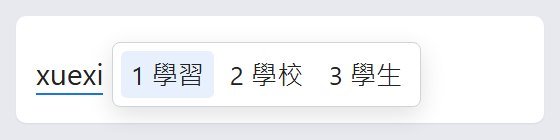
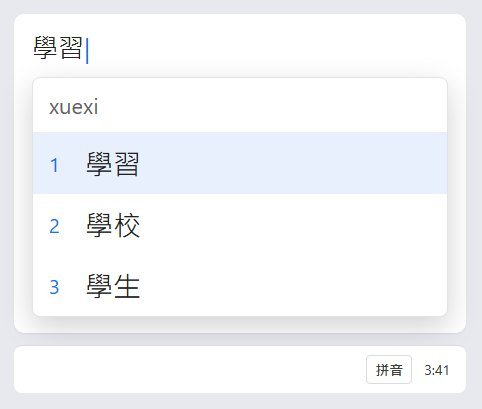
Tones are optional. Type xuexi and pick 學習. You do not have to type tone numbers.
iPhone
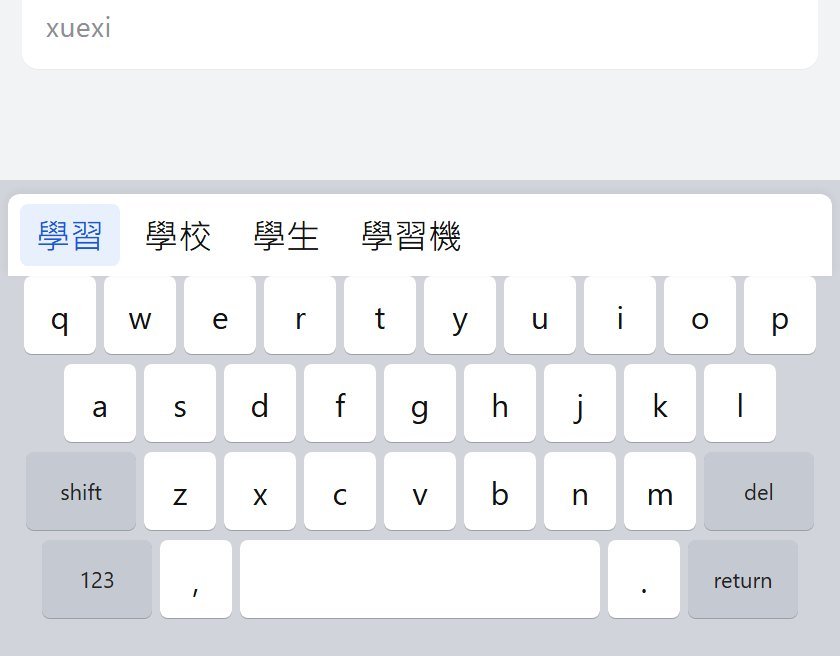
The picture is the candidate bar. You typed the sound. The characters sit above the keys. Tap one. Swipe for more.
- Open Settings, then General, then Keyboard, then Keyboards.
- Tap Add New Keyboard, then Chinese, Traditional.
- Choose Pinyin, or Zhuyin. You can add both. Handwriting is in the same list.
- Switch with the globe key. If you still get English letters, you are on the English keyboard. Tap the globe again.
Type xuexi and tap 學習. Type xiexie and tap 謝謝.
Adding the keyboard can put Chinese in Preferred Language Order. Leave the iPhone's main language in English.
Android
- Open a text field.
- Tap Settings on the keyboard.
- Tap Languages, then Add keyboard.
- Choose Chinese (Traditional), then Pinyin or Zhuyin.
Samsung Keyboard: add Traditional Chinese in that keyboard's language list. The taps are not the same as Gboard, and they are not worth inventing.
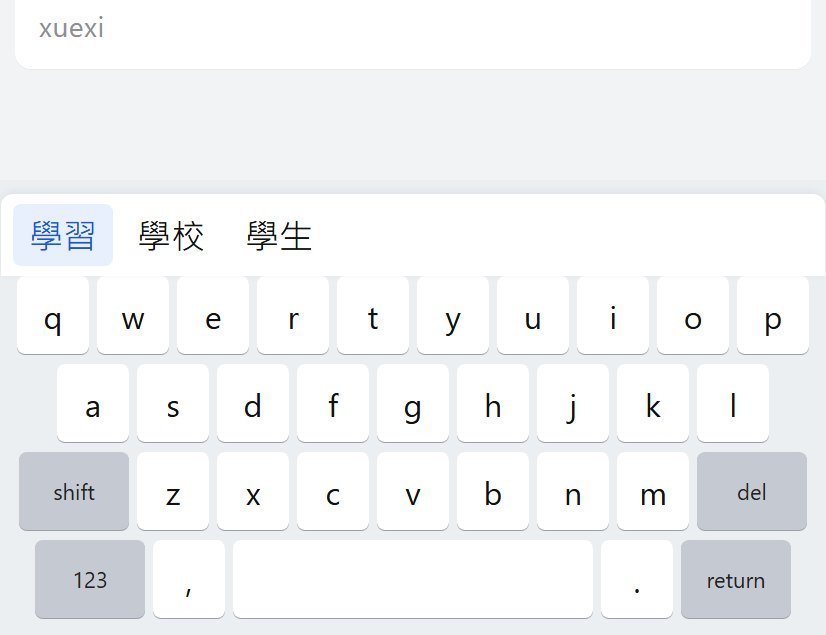
Hold the space bar to switch. Type the pinyin with no spaces: xuexi. Tap a candidate. Space often takes the first one. Keyboards differ on whether Space confirms or just finishes the syllable, so try it once and see.
This does not change the phone's system language.
Windows
Chinese is not a layout you add on top of English. You add the language. When Windows asks to make it the display language, skip that. You want a typing language, not Chinese menus.
- Open Settings, then Time & language, then Language & region.
- Click Add a language, and pick the Traditional pack that matches how you learned.
- Open the three dots, Language options, and read the installed keyboard name before you panic.
- If you want Pinyin and it is not listed yet, Add a keyboard and pick the Pinyin one.
Windows key + Space switches. If you still get Latin letters, the Chinese keyboard is in English mode. Click the input indicator on the taskbar, the one that says ENG or 中. Shift often toggles Chinese and English inside Microsoft's Chinese input. If a letter appears when you wanted a character, try Shift.
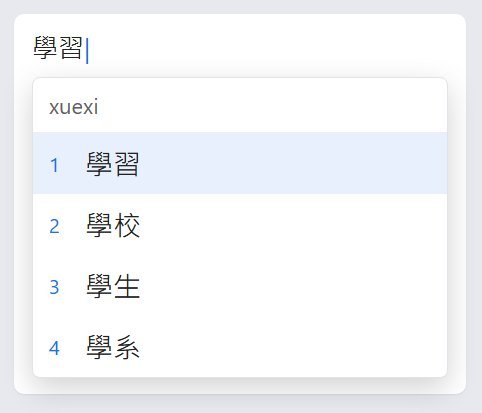
Type xuexi, then a number, Space, or a click. Enter confirms.
Mac
- Apple menu, System Settings, Keyboard.
- Under Text Input, click Edit, then the + button.
- Choose Chinese, Traditional.
- Pick Pinyin – Traditional, or Zhuyin, then Add.
Control-Space switches, or use the Input menu in the menu bar. If "Use the Caps Lock key to switch to and from" is on, Caps Lock jumps back to the last Latin keyboard. The keyboard did not break. Look at the menu bar.
Type the pinyin. Space or Return confirms. For Zhuyin, the symbols are mapped onto the keys. If you cannot find ㄅ, open Keyboard Viewer from the Input menu. It shows the current input on each key.
Chromebook
- Click the time, then Settings.
- Under Device, open Keyboard, then Change input settings.
- Add a Traditional Chinese input. Pinyin unless you learned Zhuyin.
- Turn on Show input options in the shelf.
Ctrl+Shift+Space switches. Ctrl+Space goes back. If the shelf still says EN, you are not on the Chinese input.
Do not change the Chromebook's device language. That restarts the machine and translates the menus.
FAQ
I typed the pinyin and got simplified characters.
You added Simplified Chinese, or the input is set to simplified candidates. 謝謝 is Traditional. 谢谢 is Simplified. Check the keyboard list and switch to the Traditional input. The pinyin is the same.
Do I need to type the tones?
No. Type xuexi and pick 學習. Tone numbers can narrow a long list. Nothing here requires them.
Pinyin or Zhuyin?
Pinyin if your materials use it. Zhuyin if the book uses ㄋㄧˇ. Both reach the same characters. Cangjie in week one is the wrong call.
Lessons: Traditional Chinese lessons. Cards: Yak Cards.