


The letters you need are ä, ö, ü, and ß, plus the capitals Ä, Ö, and Ü. There is a capital ß, written ẞ, but when a whole word is in capitals people usually write SS.
A full German (Germany) keyboard is QWERTZ. Y and Z trade places, so "you" comes out as "zou" until your fingers catch up. On a phone, hold a, o, u, and s on the English keyboard and skip that swap. On a computer, United States-International keeps QWERTY.
Swiss German keyboards often have no ß key, because Swiss spelling uses ss. A missing ß on a Swiss layout is not a broken keyboard.
iPhone
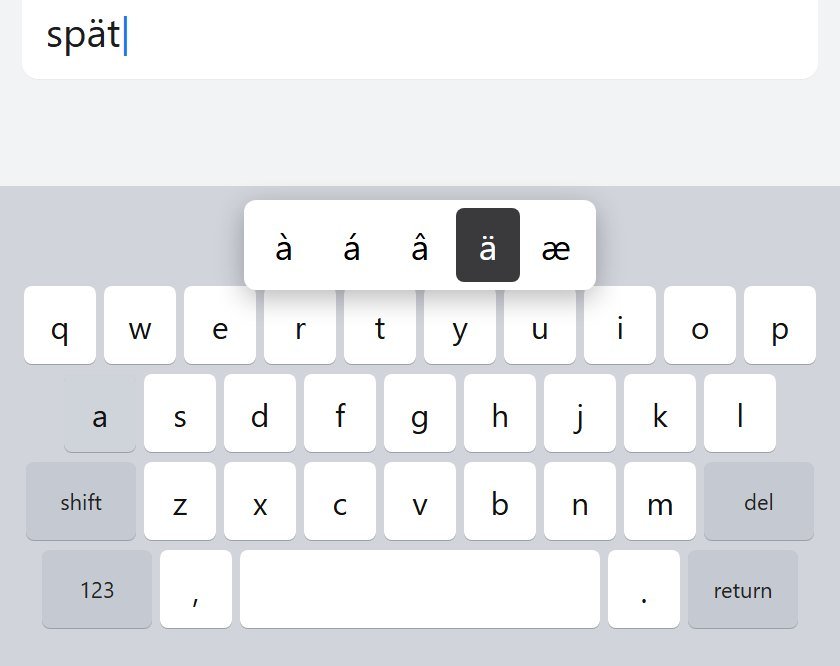
Hold a, o, or u and slide to the umlaut. Hold s for ß.
German on iPhone is QWERTZ. Add it only if you already type that way.
- Open Settings, then General, then Keyboard, then Keyboards.
- Tap Add New Keyboard, then German.
- Switch with the globe key. Hold it to see the list.
Adding German can show up in Preferred Language Order. Leave the iPhone's language alone.
Android
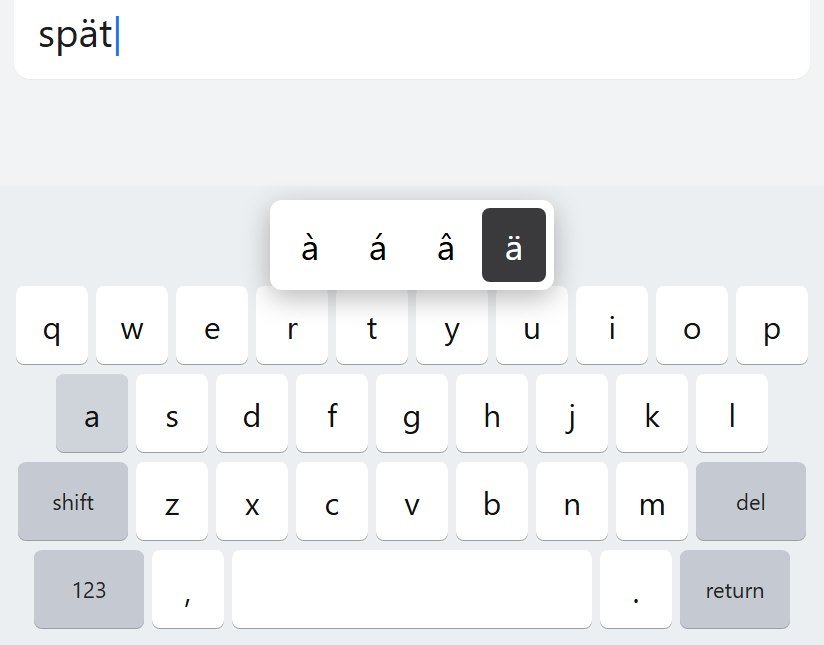
Gboard, or Samsung Keyboard if that is what the phone shipped with. Add German in that keyboard's own language list.
- Open a text field.
- Tap Settings on the keyboard.
- Tap Languages, then Add keyboard, then German.
- If you see QWERTZ and QWERTY, pick QWERTY unless you already type on a German keyboard.
Hold a, o, or u. Hold s for ß. Hold the space bar to switch languages. A globe key is under Preferences, Show language switch key, and it stays greyed out while the emoji key is using that slot.
This does not change the phone's system language.
Windows
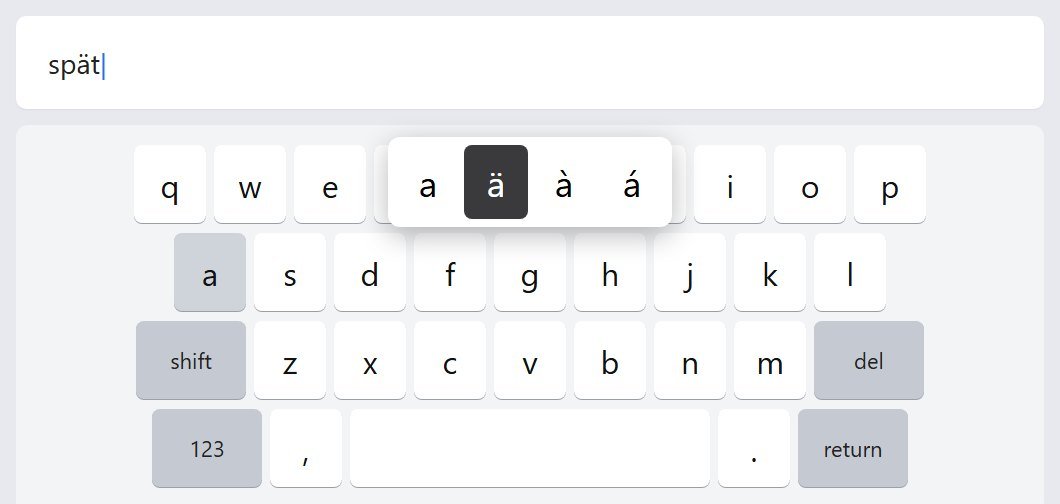
- Open Settings, then Time & language, then Language & region.
- Click the three dots next to your display language, then Language options.
- Add a keyboard, and choose United States-International.
- Switch with Windows key + Space.
The quote key is a dead key. Nothing appears until the next letter, or until Space.
German (Germany), added for spellcheck, brings a QWERTZ keyboard with it. Keep both, and switch. Swiss German: use ss. There is no ß key to find.
Mac
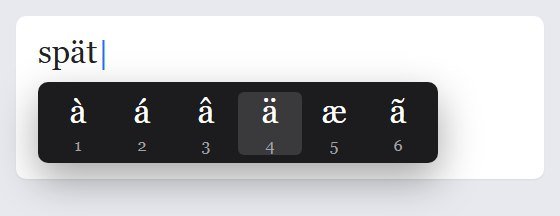
Hold a, o, u, or s on the ABC keyboard.
A full German input source is under Apple menu, System Settings, Keyboard, Text Input, Edit. Y and Z swap on that source. Control-Space switches, or use the menu bar. ABC – Extended is the layout for extra accents if German is one of several languages you type.
Chromebook
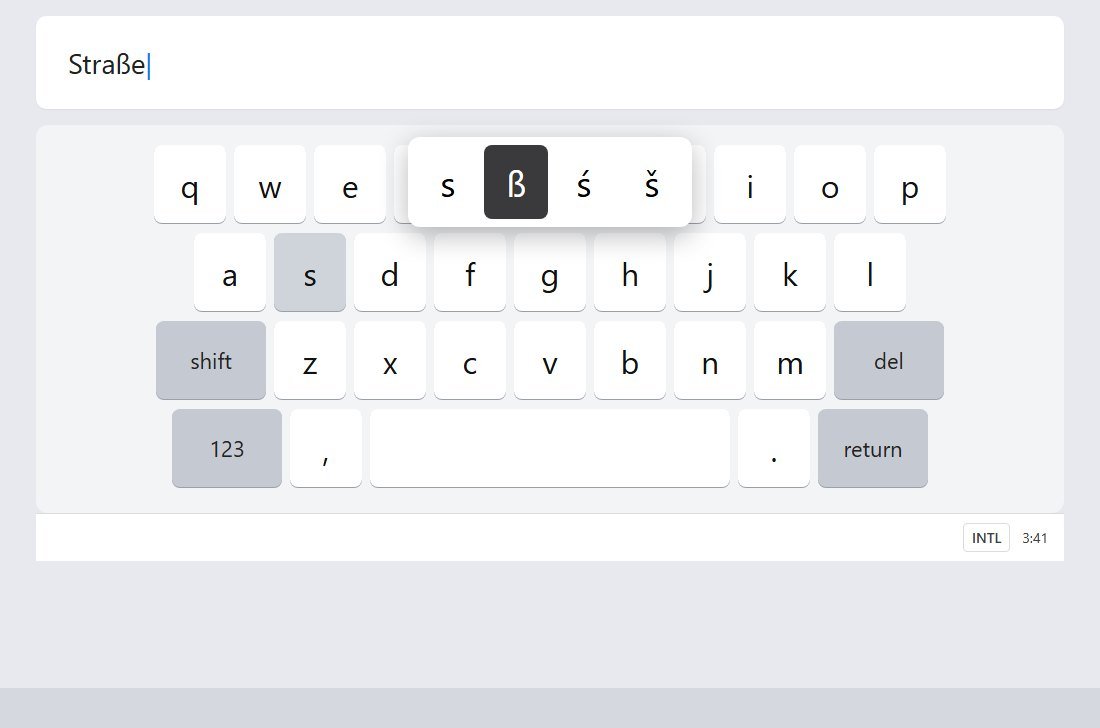
- Click the time, then Settings.
- Under Device, open Keyboard, then Change input settings.
- Add English (US) International.
- Turn on Show input options in the shelf.
AltGr is the right Alt key. The AltGr letters look arbitrary. The Shift+' path matches Windows, so that is the one to remember. Hold s for ß. The accent menu is the reliable route on a Chromebook. I am not going to invent an AltGr letter for it.
Ctrl+Shift+Space cycles forward. Ctrl+Space goes back. The device language stays English.
FAQ
Where is ß?
Hold s on a phone. Option-s on a Mac. Right Alt + s on Windows with United States-International. On a Chromebook, hold s and pick it from the menu. A German keyboard has its own ß key. You do not need that layout.
Why did Y and Z swap?
German QWERTZ puts Z where English puts Y, because Z is a common letter in German and Y is not. Every section above has a way to keep QWERTY.
Can I type ae, oe, ue, and ss?
For a note to yourself, yes. Plenty of people will read ae as ä. It is still a different spelling. Gruesse is not Grüße. Once the keyboard is set up, use the real character.
Lessons: German lessons. Cards: Yak Cards.