


The French (France) keyboard is AZERTY. A and Q trade places. Z and W trade places. If you add French as your only keyboard and then try to type English, the sentence comes out scrambled.
You do not need that layout to type é, è, ê, ç, or œ. On a phone, hold the letter. On Windows and a Chromebook, add United States-International and keep QWERTY. On a Mac, hold the key, or use the Option shortcuts on the ABC keyboard.
Add the real French keyboard when you want French predictions and the dedicated é key, and you are willing to switch layouts on purpose.
iPhone
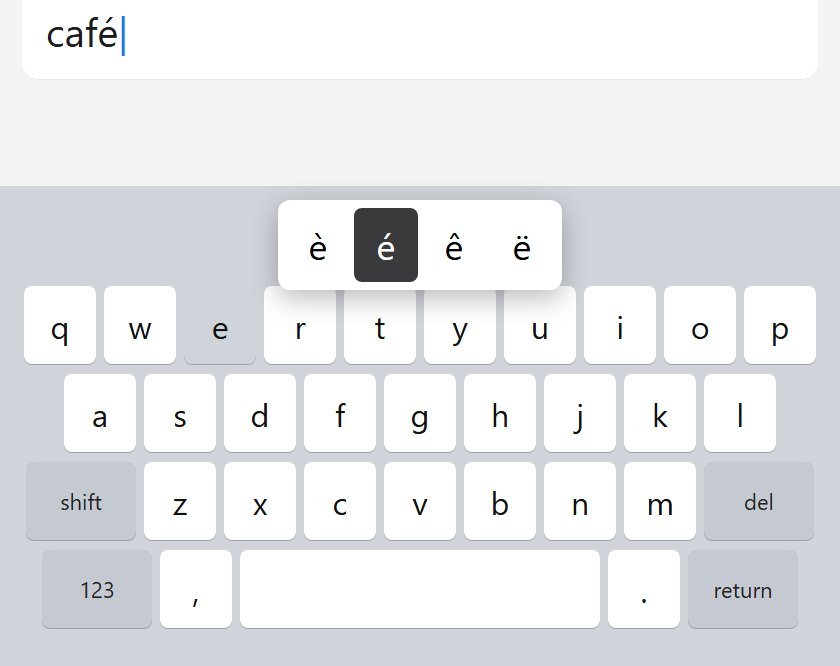
Hold the letter
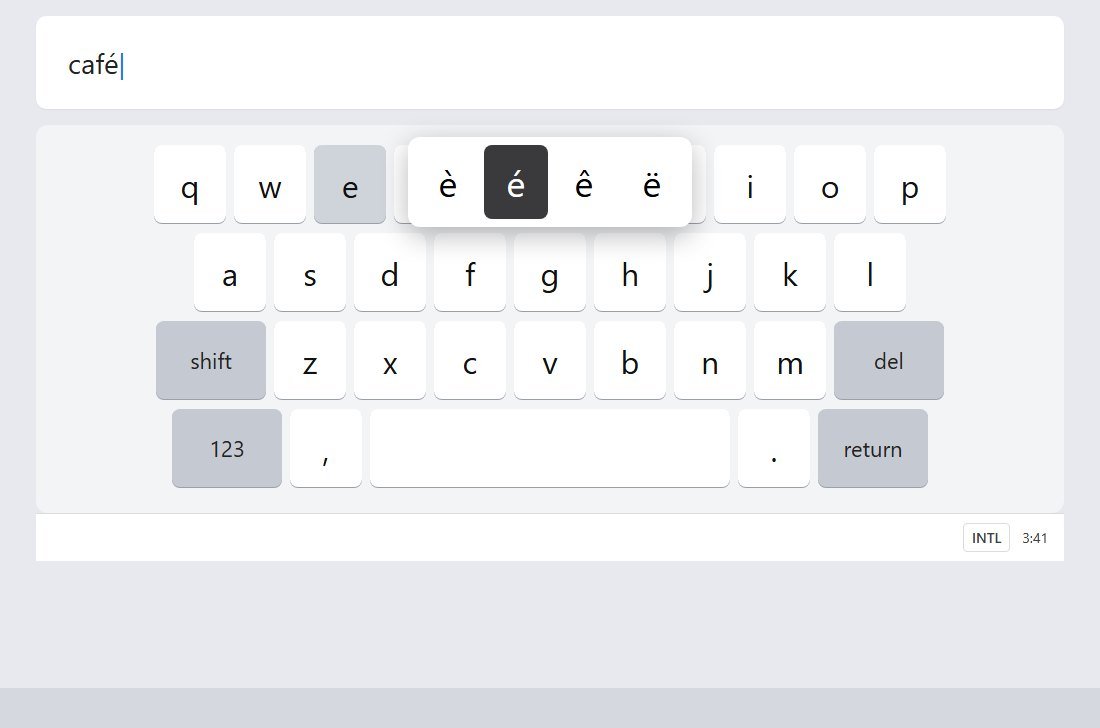
Hold e for è é ê ë. Hold c for ç. Hold a for à â. Hold o for ô and œ. Hold u for ù û ü. Slide to the one you want.
Add French
The French iPhone keyboard is AZERTY. Keys move.
- Open Settings, then General, then Keyboard, then Keyboards.
- Tap Add New Keyboard, then French.
- Switch with the globe key. Hold the globe to pick from the list.
Adding French can also add French to Settings, General, Language & Region, Preferred Language Order. Reorder it if English drops to second. Leave the iPhone's main language alone.
Android
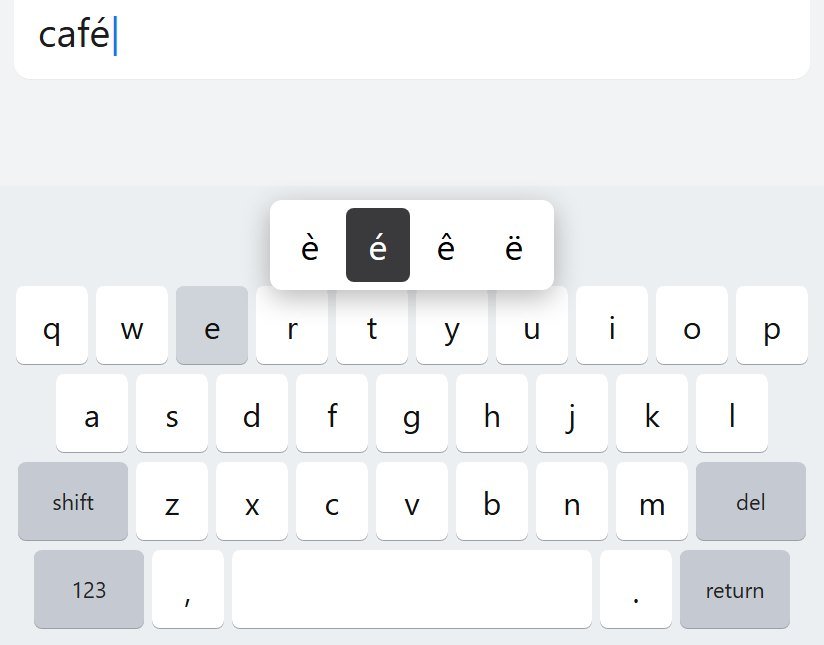
On Gboard, hold e for è é ê ë and hold c for ç. Samsung Keyboard keeps languages inside its own settings. Add French there if that is the keyboard you see.
- Open a text field.
- Tap Settings on the keyboard.
- Tap Languages, then Add keyboard, then French.
- If a QWERTY French layout is offered, pick that. If the only French layout is AZERTY, you can stay on the English keyboard and long-press instead.
Hold the space bar to switch. For a language key: hold the comma, drag to Settings, Preferences, Show language switch key. Turn off the emoji switch key first if the language switch is greyed out.
Gboard's language is not the phone's system language.
Windows
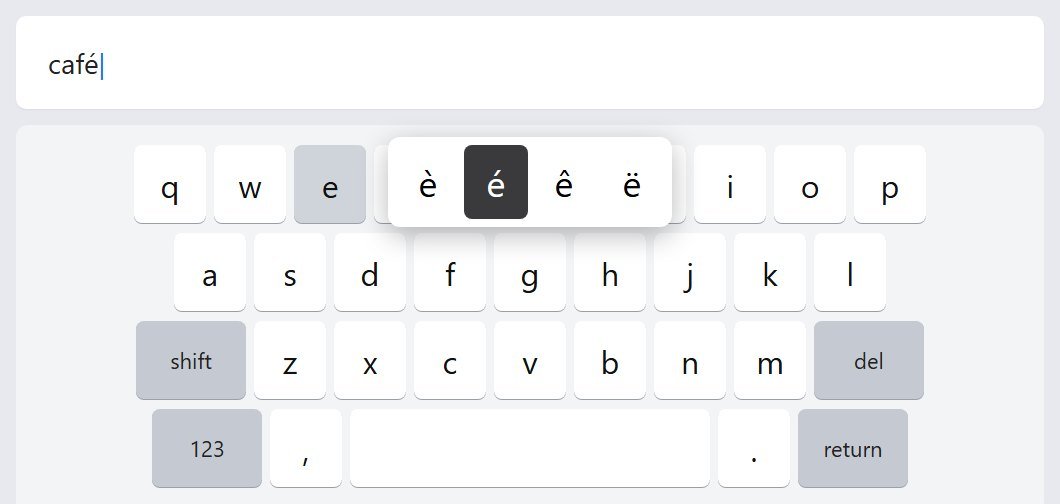
Add United States-International onto the display language you already have. Adding French (France) as a language pack brings AZERTY with it.
- Open Settings, then Time & language, then Language & region.
- Click the three dots next to your display language, then Language options.
- Under Keyboards, click Add a keyboard, then United States-International.
- Switch with Windows key + Space.
The same dead keys work for a, i, o, and u. ` then a is à. Shift+6 then u is û.
œ has no clean shortcut on this layout. Use the emoji panel, Windows key + period, or Character Map. If you type œ all day, that is when a French layout starts to earn its place.
The apostrophe and quote keys wait for the next letter. Press the key, then Space, to get the punctuation alone.
If you later add French (France) for spellcheck, keep United States-International for daily typing and switch over only when you want the French autocorrect.
Mac
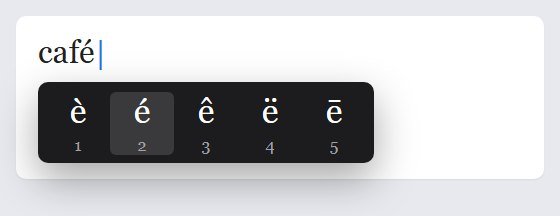
Hold the letter on the ABC keyboard. Numbers sit under the choices. Type the number, or click.
To add the French input source:
- Apple menu, System Settings, Keyboard.
- Under Text Input, click Edit, then add French.
It will be AZERTY. Control-Space switches, or use the Input menu in the menu bar. ABC – Extended covers a lot of Latin accents without a layout change, if you type in more than one language.
Chromebook
- Click the time, then Settings.
- Under Device, open Keyboard, then Change input settings.
- Click Add, and choose English (US) International unless you specifically want a French layout.
- Turn on Show input options in the shelf.
Ctrl+Shift+Space cycles forward. Ctrl+Space goes back.
AltGr is the right Alt key. Dead key, then Space, types the punctuation by itself.
Do not change the Chromebook device language. That is a different setting.
FAQ
Why is my A key typing Q?
You are on AZERTY. Switch back: globe on iPhone, hold space on Gboard, Windows key + Space, Control-Space on a Mac, Ctrl+Shift+Space on a Chromebook.
Why do I have to press space to get an apostrophe?
The international layout is waiting to see if the next key is a letter, so it can attach an accent. Apostrophe, then Space, gives you the apostrophe.
Do I need AZERTY to type French?
No. é è ê ë à â ç î ï ô ù û and œ all come from a QWERTY layout: hold the letter on a phone, dead keys on Windows and Chromebook, Option shortcuts on a Mac.
Lessons: French lessons. Cards: Yak Cards.