


On a phone, hold the letter. A strip of choices pops up. Slide to ñ, or to á, and let go.
On a computer, keep QWERTY. Add the United States-International layout, or use the Mac hold-key menu. The full Spanish keyboard is worth adding when you want ñ on its own key and the upside-down marks, ¿ and ¡. It does not scramble the alphabet the way a French keyboard does.
Adding a keyboard does not have to change the language of the phone or the computer. If a setup screen offers to switch the whole display to Spanish, skip that.
The marks
iPhone
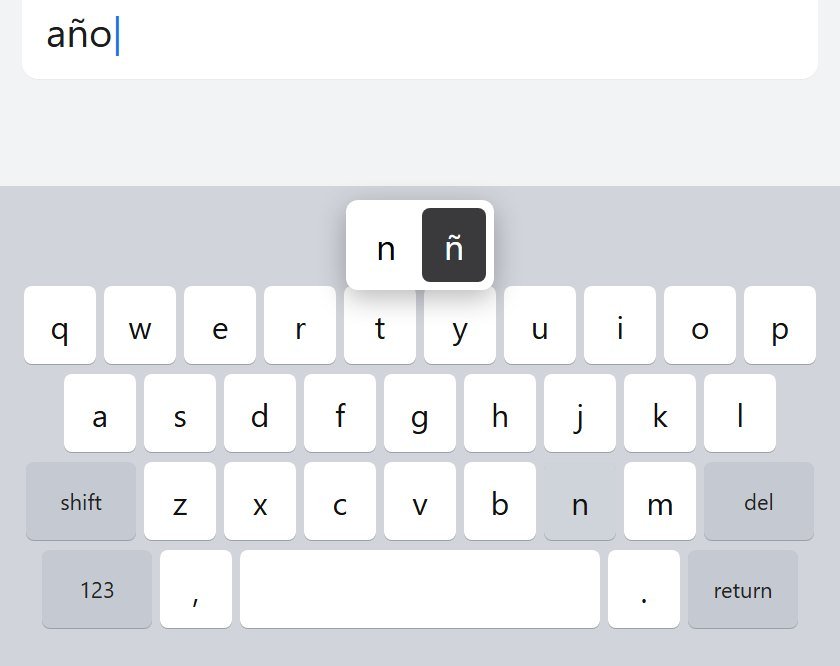
Hold n and the popup offers ñ. Hold a vowel for the accent. Hold u if you need ü.
¿ and ¡ show up once the Spanish keyboard is on. Hold ? and hold !.
- Open Settings, then General, then Keyboard, then Keyboards.
- Tap Add New Keyboard, then Spanish.
- Switch with the globe key. Touch and hold the globe if you want the list.
Adding Spanish can also drop Spanish into Settings, General, Language & Region, Preferred Language Order. Reorder that list if an app starts offering Spanish. Leave the iPhone's main language alone.
Android
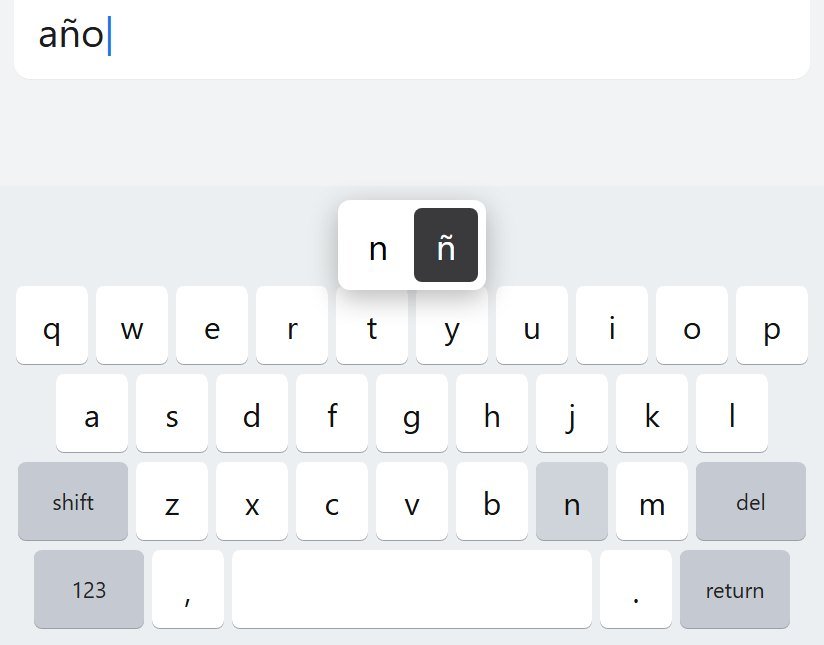
This is Gboard. Samsung Keyboard has its own language list inside that keyboard's settings. Same idea, different menu. Don't go hunting in the phone's system language.
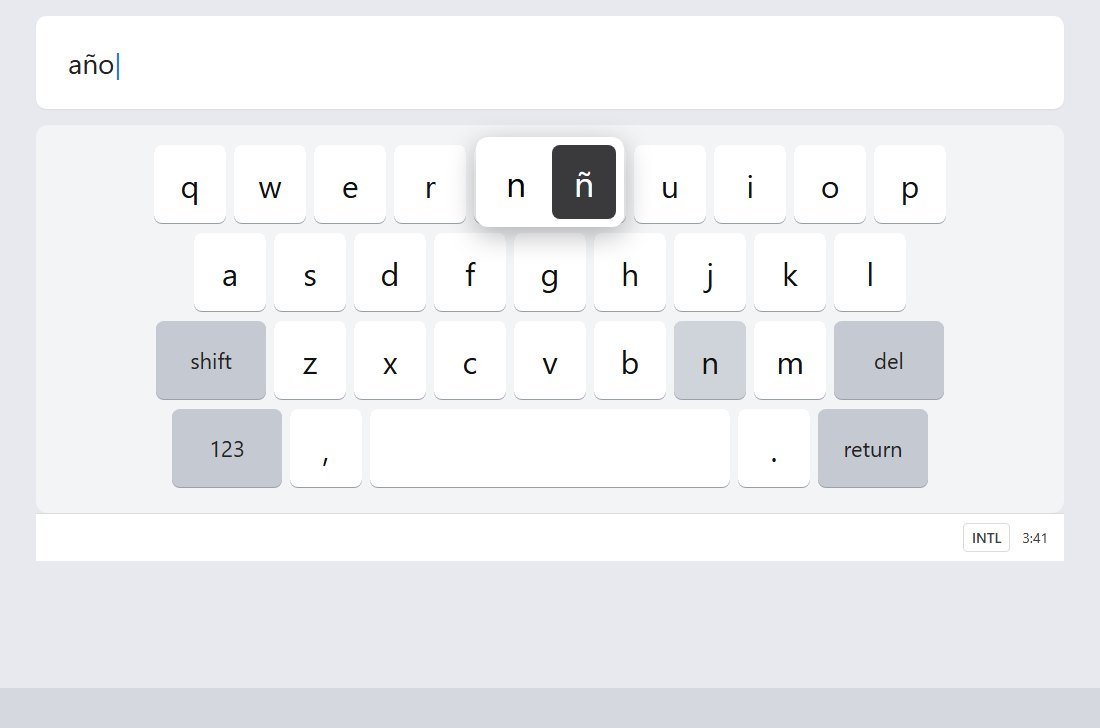
Hold n for ñ. Hold a vowel for the accent.
- Open a text field so the keyboard is up.
- Tap Settings on the keyboard.
- Tap Languages, then Add keyboard, then Spanish.
- Pick QWERTY, then Done.
The long way is Settings, System, Keyboard, On-screen keyboard, Gboard, Languages.
Hold the space bar to switch languages. If you want a globe key: hold the comma, drag to Settings, Preferences, Show language switch key. If that switch is greyed out, turn off Show emoji switch key first. They share one slot.
Windows
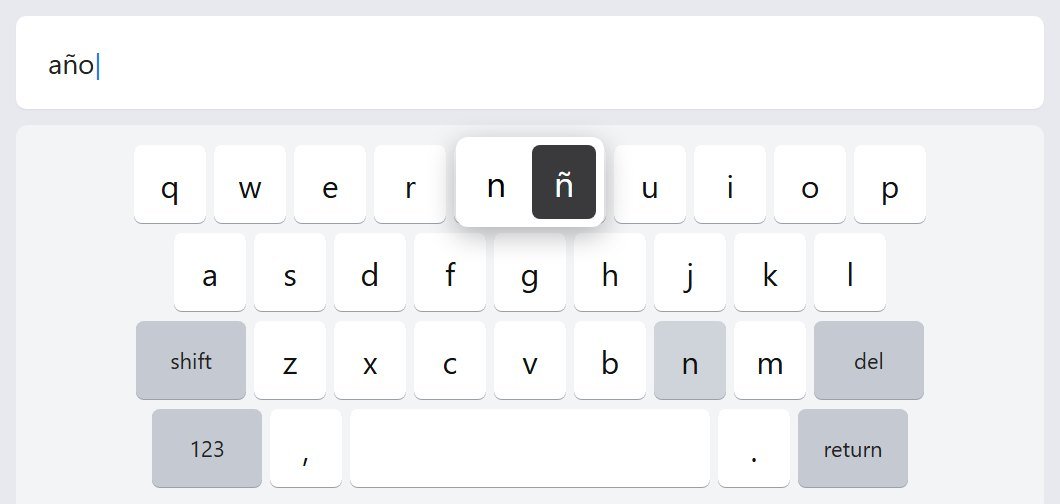
Add a keyboard layout to the language Windows is already using. Do not add a new display language unless you also want Spanish spellcheck.
- Open Settings, then Time & language, then Language & region.
- Next to your display language, click the three dots, then Language options.
- Under Keyboards, click Add a keyboard.
- Choose United States-International.
- Switch with Windows key + Space, or the language button on the taskbar.
The punctuation keys become dead keys. Nothing appears until the next key. Dead key, then Space, types the mark by itself. That is why an apostrophe in "don't" seems to vanish. Press the apostrophe, then Space.
¿ and ¡ are not on that layout. Use a Spanish keyboard, Character Map, or the emoji panel: Windows key + period, then the symbols tab.
If you add Spanish for spellcheck, check the layout that comes with it. You want a QWERTY Spanish layout. You can keep United States-International as well and switch between them.
Mac
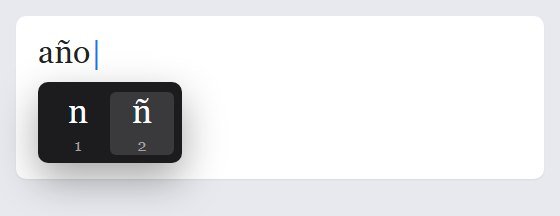
Stay on the ABC keyboard. Hold the letter. A dark menu appears, with a number under each choice. Type the number or click.
A dedicated Spanish keyboard, if you want ñ on its own key:
- Apple menu, System Settings, Keyboard.
- Under Text Input, click Edit, then add Spanish.
Control-Space switches. The Input menu shows up in the menu bar on its own. ABC – Extended is there for people who type several Latin languages. Spanish alone does not need it.
Chromebook
- Click the time at the bottom right, then Settings.
- Under Device, open Keyboard, then Change input settings.
- Under Input methods, click Add.
- Add Spanish, or English (US) with International if you want the accents and the same QWERTY keys.
- Turn on Show input options in the shelf. The language code sits by the clock.
Ctrl+Shift+Space moves forward. Ctrl+Space moves back.
AltGr is the Alt key on the right.
Do not change the Chromebook's device language to get a Spanish keyboard. That setting restarts the machine and translates the menus. The input method is the one you want.
FAQ
Do I have to add a Spanish keyboard?
No. Holding the letter covers the accents on a phone and on a Mac. Add Spanish when you want ñ on its own key, or ¿ and ¡.
Why did my quotation mark stop working?
You are on United States-International, or the Chromebook international layout. The quote key is waiting for a letter. Press it, then Space, and you get the quote.
Where are ¿ and ¡?
On the Spanish keyboard, hold ? and ! on iPhone. On a Mac, Option-1 is ¡ and Option-Shift-? is ¿. On Windows, use the emoji panel or Character Map. The English Android keyboard often will not offer them.
The lessons start at Spanish lessons. Yak Cards are there when you want the words on a timer.